RacePix
Every runner finds their photos in ten seconds.
The organiser creates the event, photographers upload from home, and runners type the number from their bib and download their own. No app, no account for runners.
1For organisers
2,000 photos, one album, everyone scrolling.
What usually happens
- 1The photographer sends a Drive link with 2,000 files.
- 2You post them to a Facebook album, in batches, over a few evenings.
- 3Runners scroll for an hour, message you "is there one of me?", half give up.
- 4A year later the album is still there, with everyone's face in it.
With RacePix
- 1The photographer drags the folder in from home. Interrupted? It resumes.
- 2Bib numbers are read automatically and checked against your start list.
- 3A runner types their number and downloads their photos. Anyone who left an email gets a message when new ones arrive.
- 4The gallery deletes itself after the period. Nothing lingers.
454 → 12 photos, one ZIP
Measured, not promised
- 94%
- of photos got the right bib number without anyone touching them
- 0.5 s
- to read one photo; a 2,000-photo race is tagged in about an hour
- 1 link
- per event: QR code at the finish line, link in the Facebook post
- 0
- apps or accounts for participants, on any phone
Test on 500 real photos from NIBRW 2026: 402 of 426 photos with a visible bib were confirmed automatically, with the start list as a check. The rest land in "Maybe you" or get a manual tag in seconds.
For organisers
Four steps. Three of them before the race.
1
Create the event
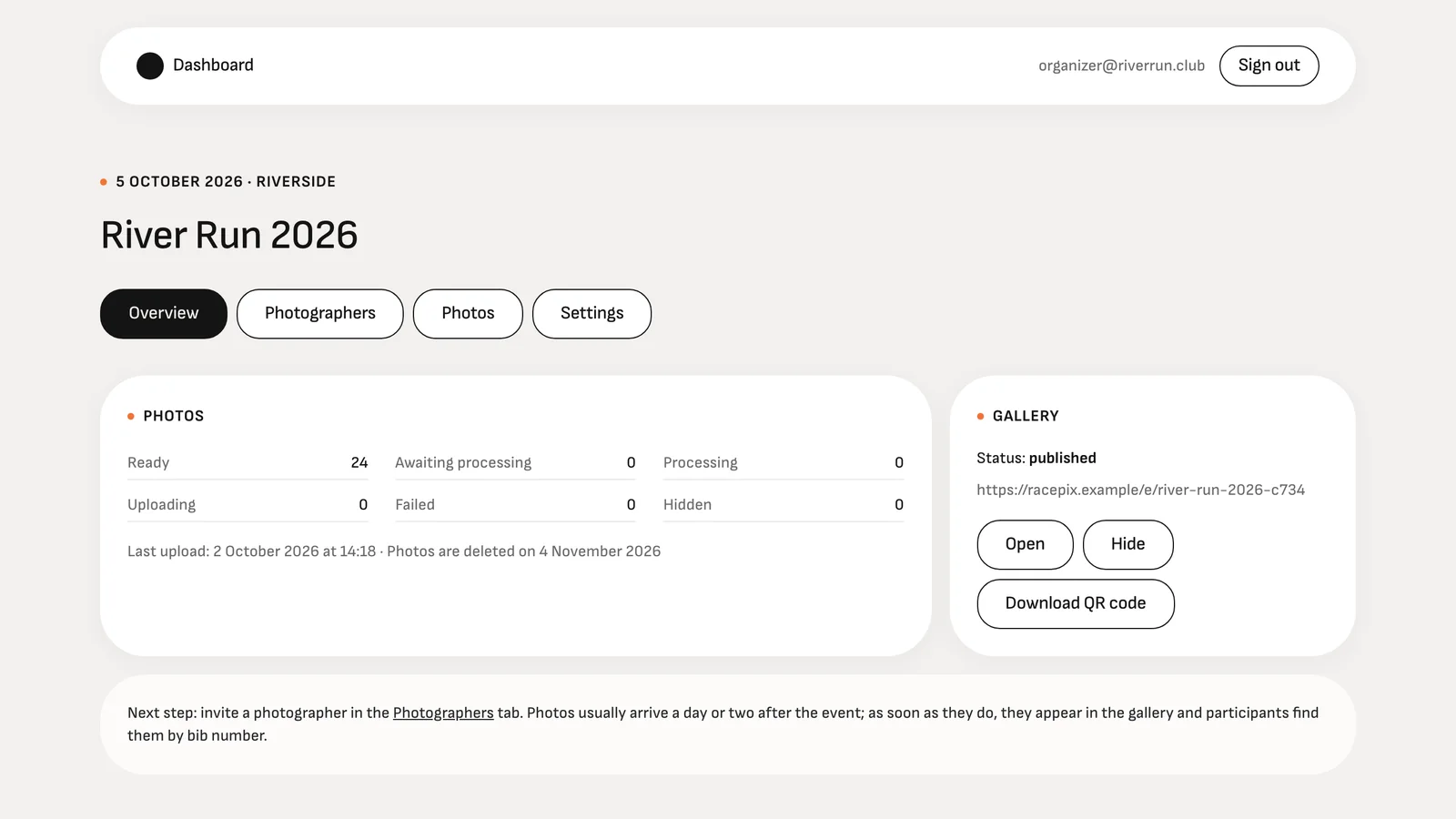
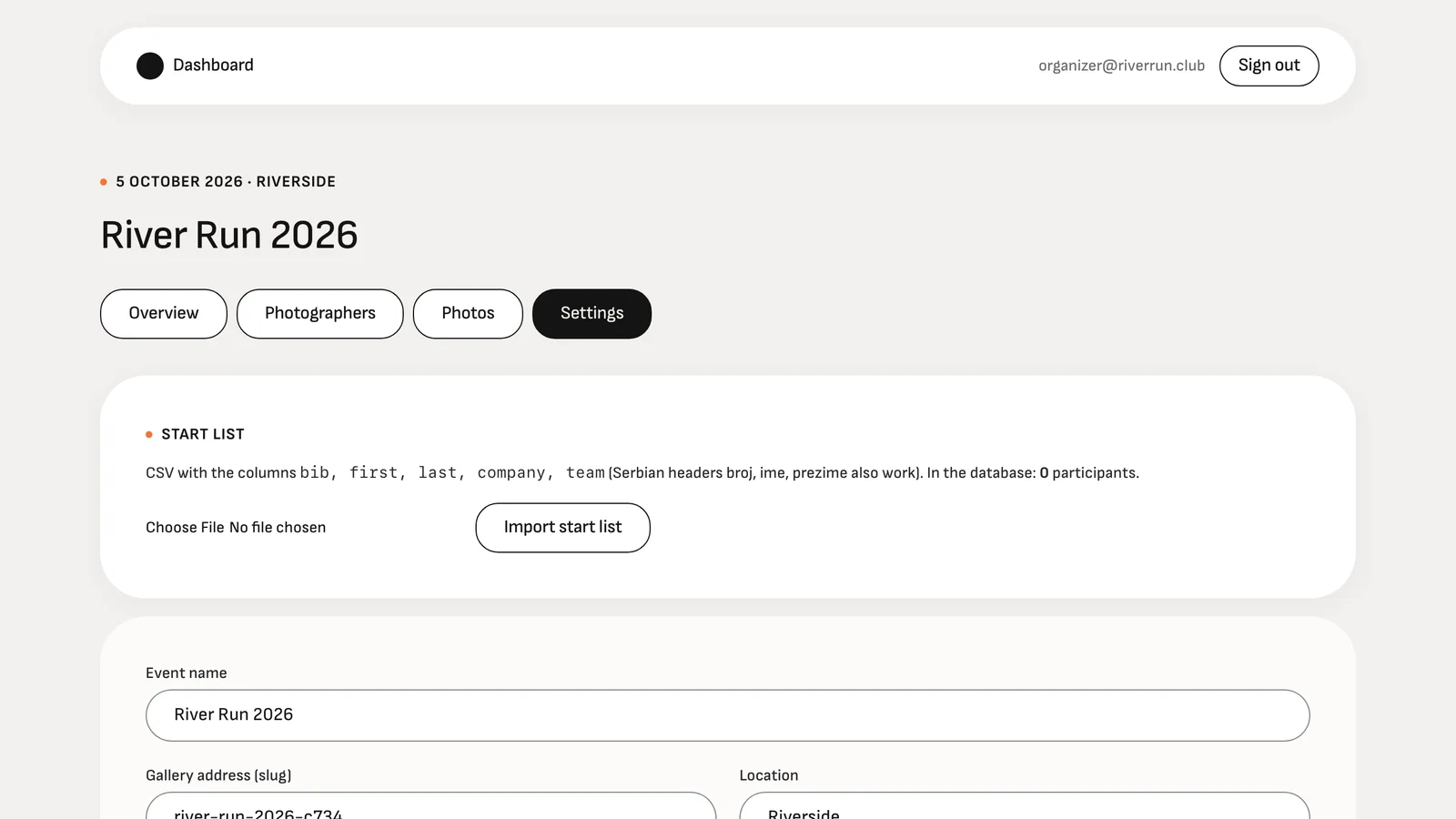
Name, date, place, how long the photos stay online. A start list (CSV with bib numbers and names) is optional: without it numbers are still read from the photos, with it misreads are filtered out and the participant's name shows next to the bib.
2
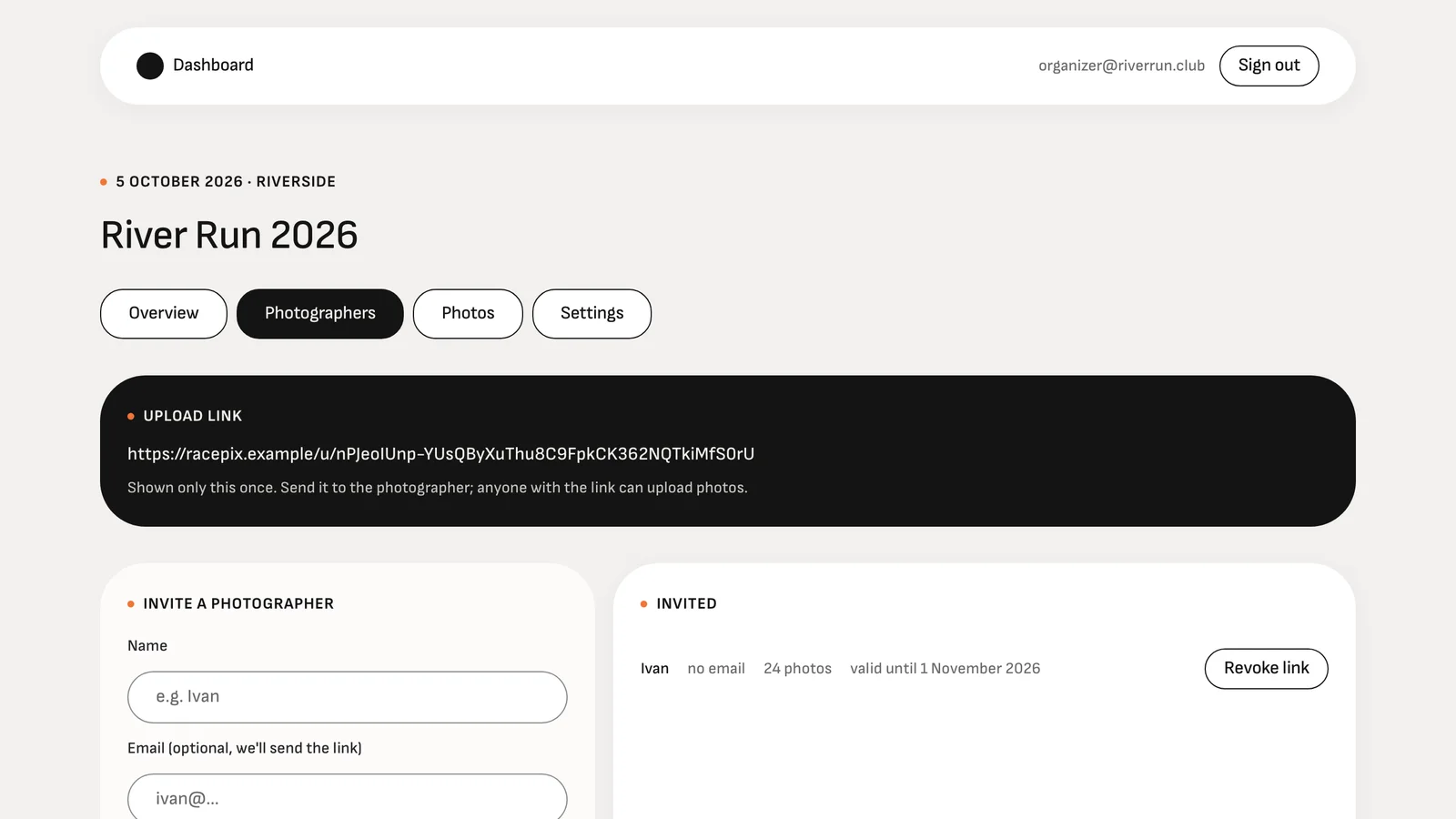
Invite the photographer
One link per photographer, valid as long as you decide. No account needed on their side.
3
Photos come in from home
A whole folder at once, thousands of files. Duplicates are skipped, a dropped connection resumes, originals optional.

4
Share the QR and the link
Print the QR for the finish line, post the link with the results. Runners type their bib and download.
Compared with what you use today
What changes against an album or a shared folder
| RacePix | Facebook album | Drive / WeTransfer | Pro photo platforms | |
|---|---|---|---|---|
| Find photos by bib number | Automatic, with "Maybe you" for uncertain reads | Scroll through everything | Scroll through everything | Usually, paid per photo |
| Email when your photos arrive | Yes, plus a reminder before deletion | No | No | Sometimes |
| Thousands of photos from home | Drag a folder, resumes after a drop | Manual, compressed | Yes, no resume | Yes |
| Deleted after the period | Automatically | Stays forever | Stays forever | Rarely |
| Price for the organiser | Free up to 100 participants, €9.19 per event after | Free | Free or a subscription | Subscription, runners pay per photo |
Also included
The details that save you the Monday after.
Fix a tag in seconds
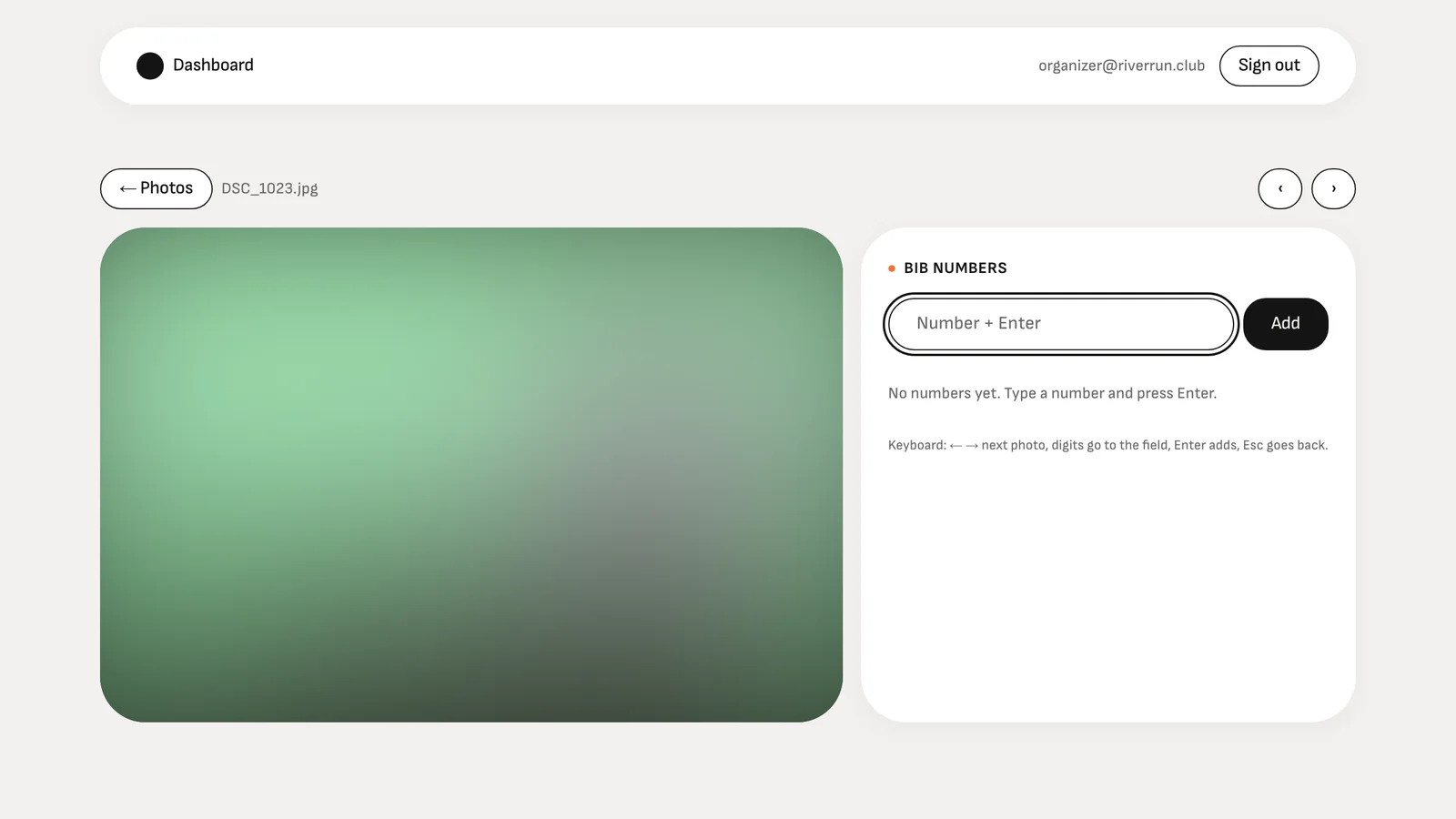
Keyboard-first tagging for the photos the camera missed: type the number, Enter, next photo.
"Maybe you" tab
Uncertain reads are kept, not thrown away, so a covered bib still gets found.
Originals, if you want them
By default photos are kept at 3,000 px for fast galleries; keeping full originals is one switch.
One ZIP per runner
All of a participant's photos in one click, full size, no watermark.
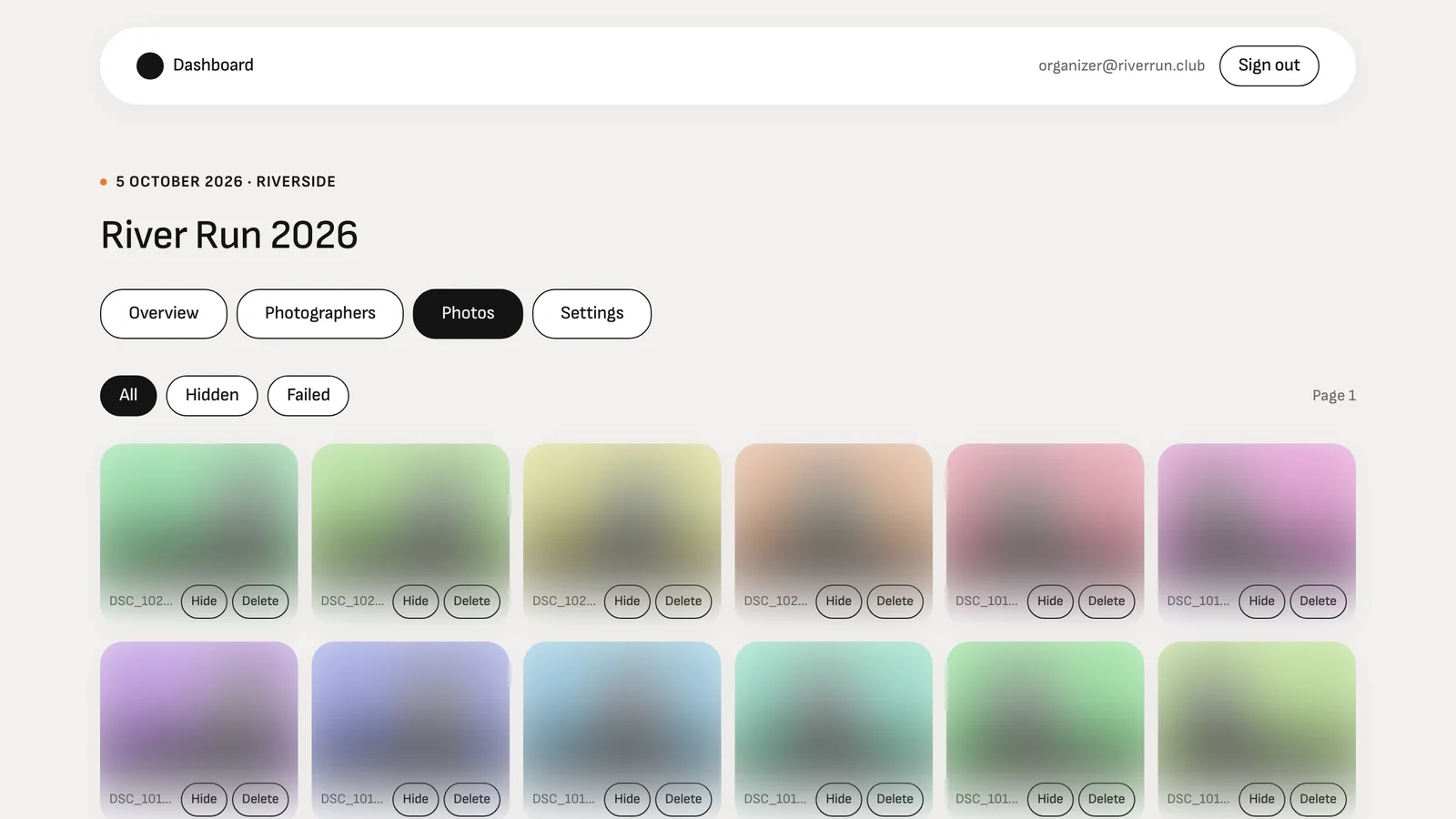
Hide or delete any photo
One click in the dashboard; the gallery updates immediately.
English and Serbian
Gallery, emails and dashboard follow the visitor's language; more are a translation file away.
Pricing
Free to start. Pay per event, not per month.
Free
€0
per event
- Up to 100 participants
- Photos online for 7 days
- Every feature included
Per event
€9.19
per event
- Unlimited participants
- Photos online for 30 days
- Every feature included
- No subscription, no card on file
A participant is a bib number that appears in the gallery. Card payment per event is coming; until then every event runs with the paid limits.
2For runners
Type your number. Your photos are there.
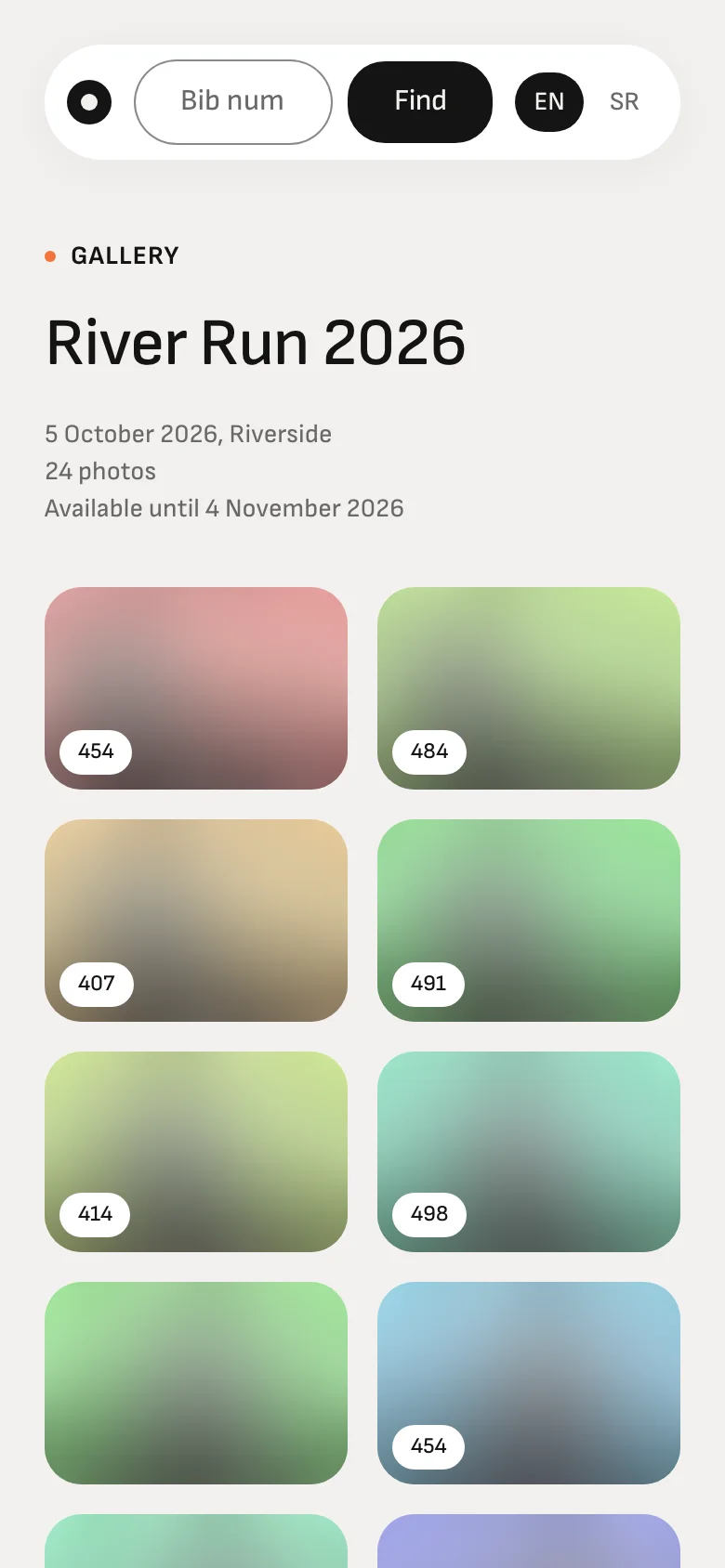
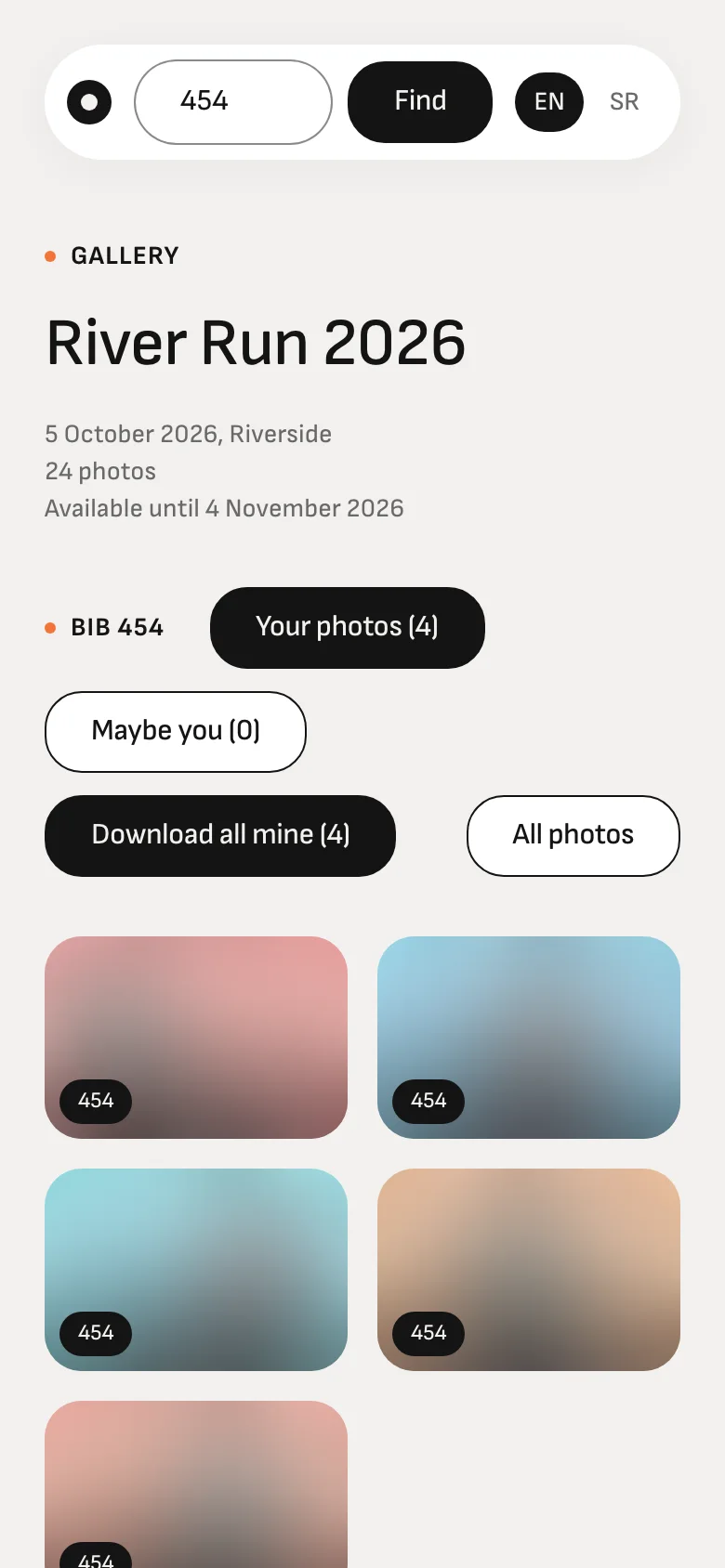
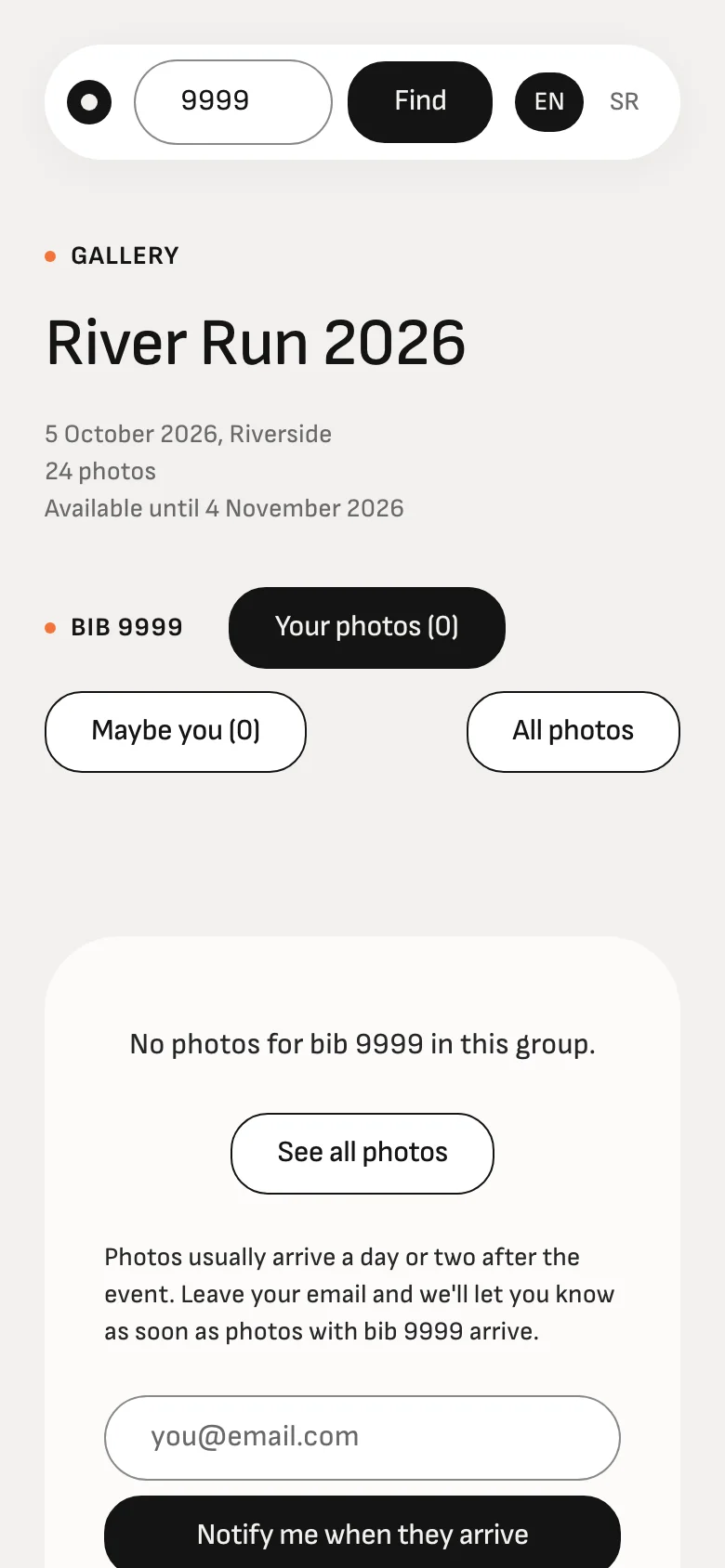
Open the link your organiser sent or scan the QR at the finish. Enter the number from your bib and see only your own photos, on any phone. No app, no account, no password.
Only your photos
"Your photos" holds the ones where your number was read with confidence. Type "0454", "454" or "#0454".
"Maybe you"
Hand over your bib or a blurred number? The photo isn't lost: it's waiting in this tab.
Download everything at once
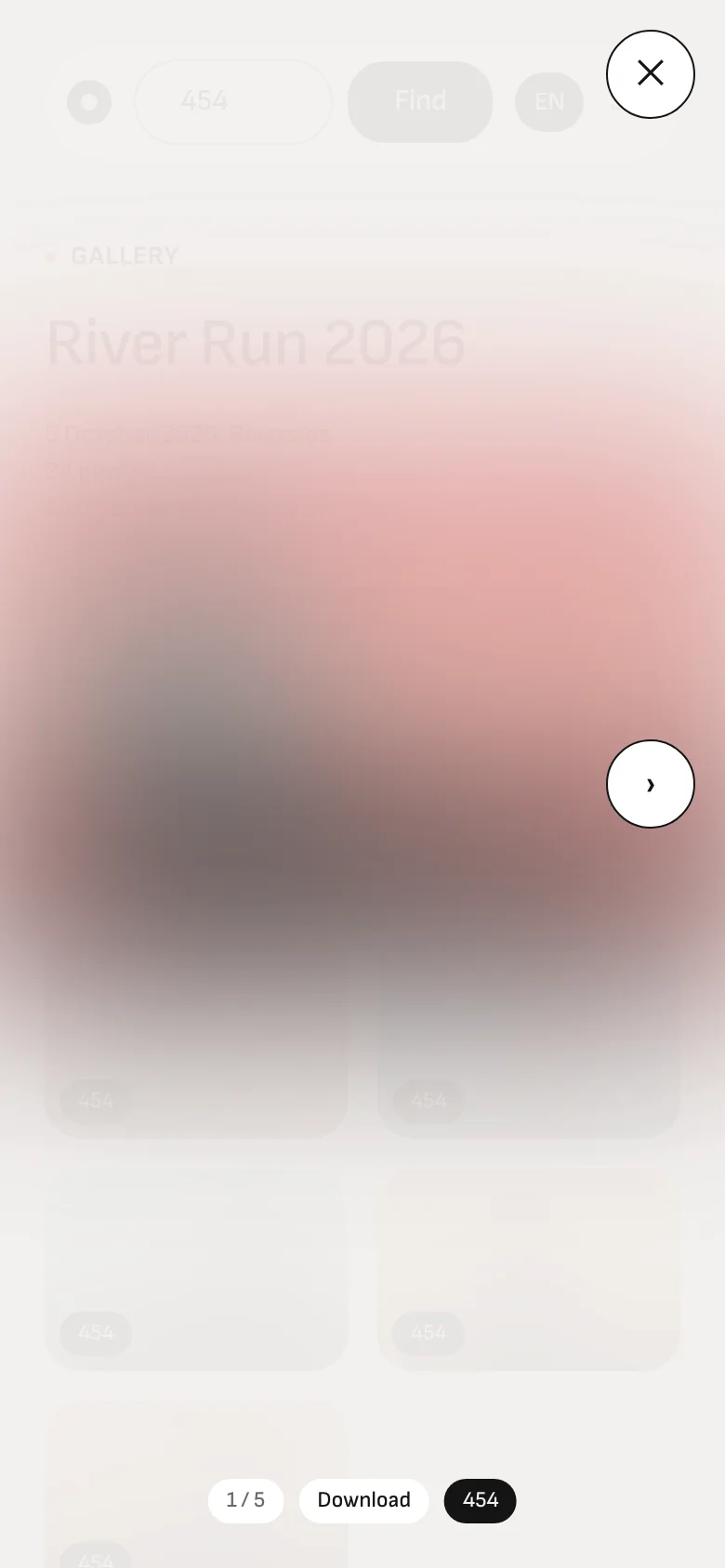
One photo, or all of yours as a ZIP, full size, no watermark.
We'll tell you when they arrive
Photos usually arrive a day or two after the race. Leave your email and we'll write as soon as they're in (at most once a day), and once more before the gallery is deleted.
Your race has no RacePix gallery? Send this page to the organiser.
3For photographers
Drag the folder in from home. The rest happens on its own.
The organiser sends you a link. Open it when you're home and drag the whole folder into the browser. You need no account and no app.
- No account, no password. The link is valid for as long as the organiser sets, up to 180 days.
- A whole folder at once: up to 5,000 JPEG files per upload, up to 200 MB each. Exports from Lightroom or Camera Raw go straight in.
- Connection dropped or the laptop went to sleep? It resumes where it stopped, and anything already sent is skipped.
- Large photos are resized to 3,000 px before sending, so home broadband is enough. EXIF is kept, and originals are one switch away.
- Your page shows how many were sent, skipped or failed. You don't type bib numbers: they're read automatically.
Shooting a race nobody has set up a gallery for? Create a free event yourself and invite yourself as the photographer.
Create a free event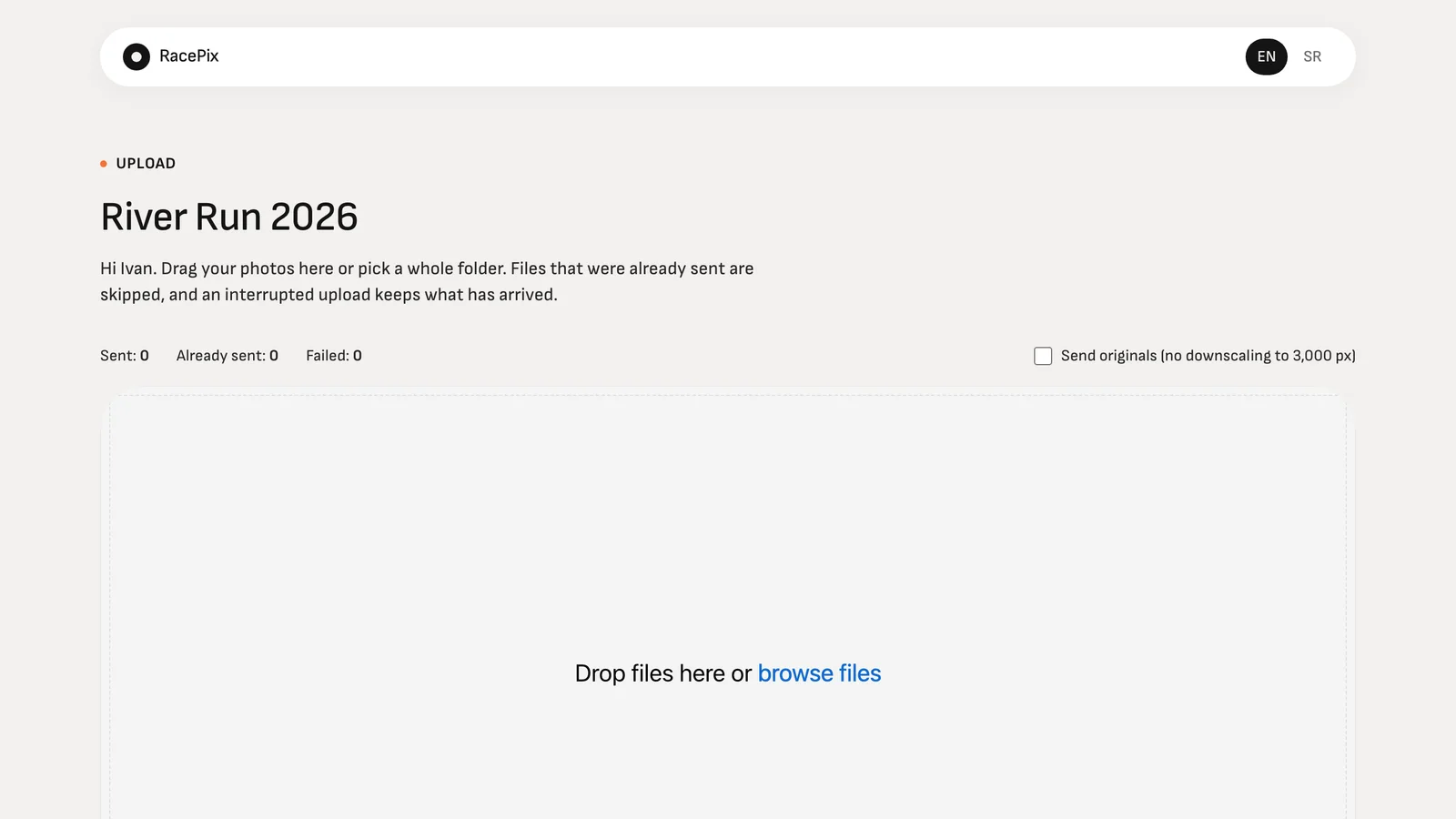
Data and privacy
- Database and photos in the EU
- Database in Frankfurt, photos in Cloudflare R2 under EU jurisdiction.
- Daily backup
- A copy of the database every night; the last 14 are kept.
- No face recognition
- Photos are found by bib number only.
- Deleted on schedule
- The gallery, photos and every size are deleted when the period you chose ends.
Questions organisers ask
- Who owns the photos?
- You and your photographer, as today. RacePix stores and delivers them for the period you choose and uses them for nothing else.
- What about privacy and GDPR?
- No face recognition: photos are found by bib number only. Galleries are deleted automatically after the period, emails are used only for the notification the runner asked for, and every email has an unsubscribe link.
- Do I need a start list?
- No. Without one, bib numbers are read from the photos as they are. With one (a CSV of bib numbers and names, imported in the event settings) a number that isn't on the list can't be confirmed, which filters out misreads such as a sponsor logo read as a number, and the participant's name appears next to the bib in the dashboard.
- What if a number is misread?
- Uncertain reads go to the "Maybe you" tab instead of disappearing, and you or the photographer can fix any tag from the dashboard in seconds.
- What files can photographers upload?
- JPEG, up to 200 MB per file and up to 5,000 files in one upload. Exports from Lightroom or Camera Raw work as they are; RAW files don't.
- What if a photographer has a slow connection?
- Photos are resized before sending (several times less data), and an interrupted upload resumes where it stopped. Photographers can upload in several sittings; photos already sent are skipped.
- How many photographers can upload?
- As many as you have. Each gets their own link, and the dashboard shows who sent how many; any link can be revoked.
- How long does processing take?
- About half a second per photo for reading the bib and under two seconds for the web version; a 2,000-photo race is ready in roughly an hour after the upload finishes.
- Can the period be extended?
- Yes. Change it in the event settings while the gallery is online and the deletion date is recalculated straight away. Runners who left an email get a reminder before deletion.
- Can I try it before the race?
- Yes. Create a free event, invite yourself as a photographer and upload a few photos from your last race. Within minutes you'll see the numbers read and the gallery your runners will see, then delete the test photos with one click.
- Can we sell photos to participants?
- Not yet. Today every participant downloads for free; paid downloads and sponsor placements are on the roadmap, tell us if you need them.
- Which languages?
- English and Serbian today, chosen automatically from the browser; another language is one translation file.
Ready for your next race?
Create the event today. Photographers upload a day or two after the race and participants find themselves the same evening.